


 Remove background for free











Excellent Quality
- People
- Animals
- Products

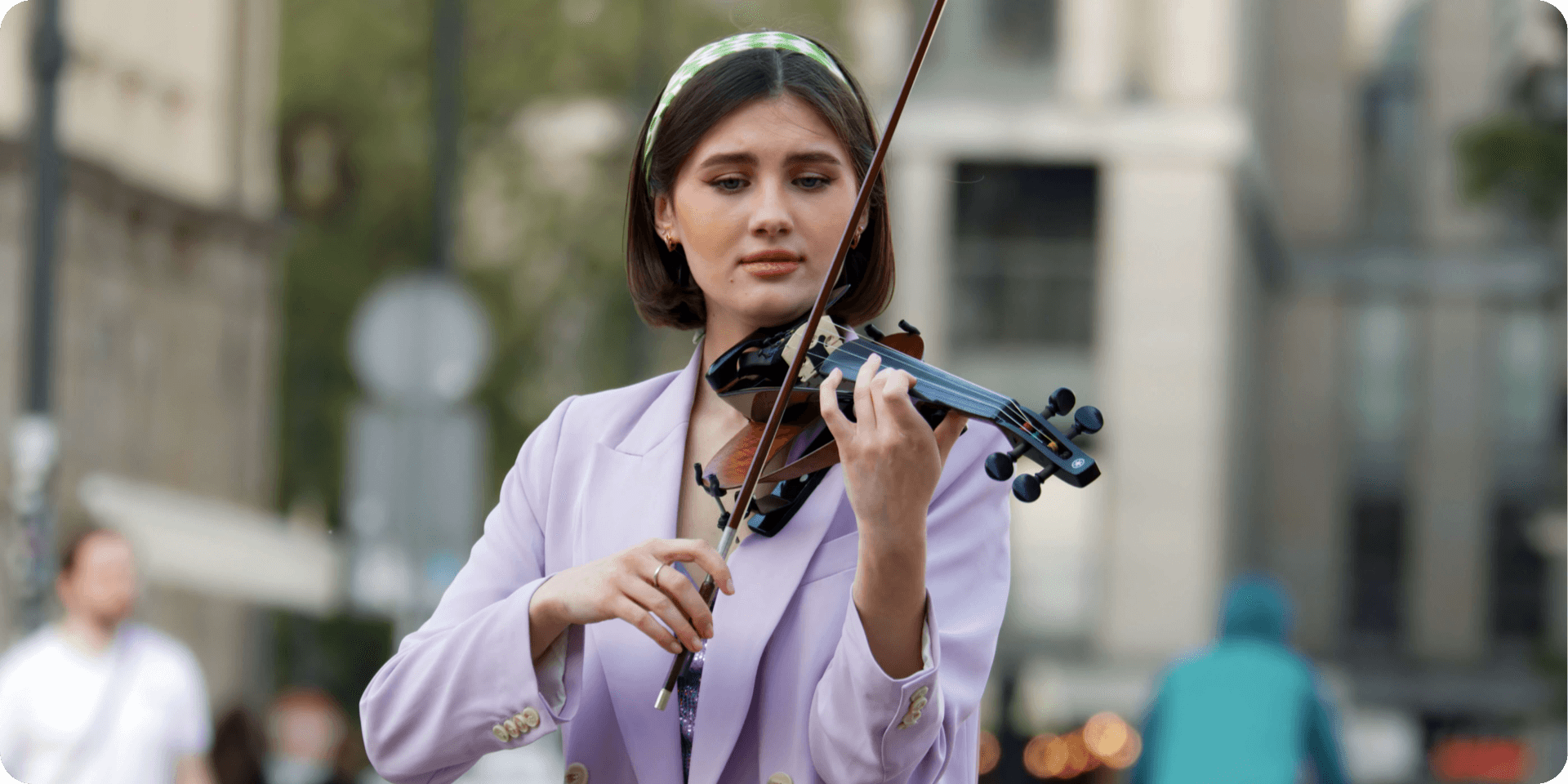
Remove bg instantly with just one click!
Photiu.ai's advanced AI technology ensures precise background removal in seconds, saving you time and effort.
Say goodbye to tedious editing and hello to more fun with your photos!

Replace Backgrounds with Image or Color
 Original
 Transparent background
 Image background
 Color background
HD Background Removal
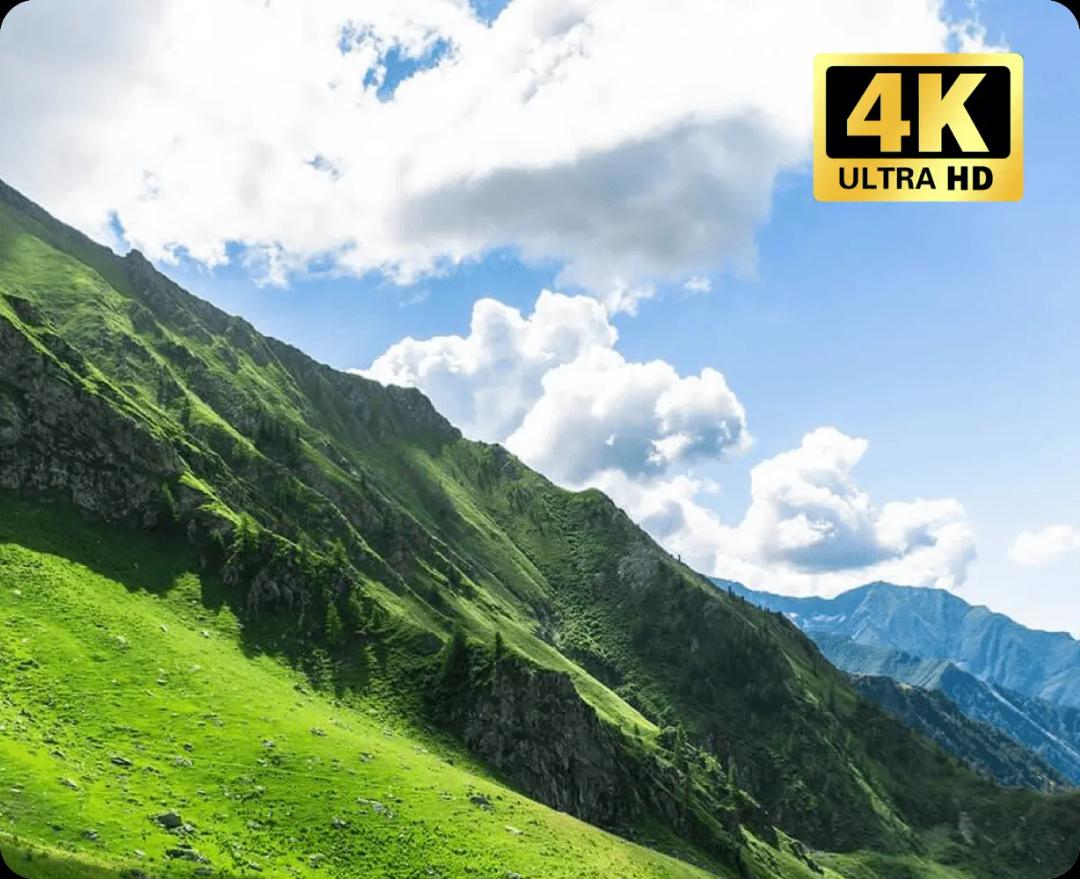
Experience background removal like never before with our HD and up to 4K resolution support. Our advanced technology ensures stunningly precise results, allowing you to achieve excellent quality edits effortlessly.
Say goodbye to pixelation and hello to crystal-clear images with every cutout. Try it now and see the difference!
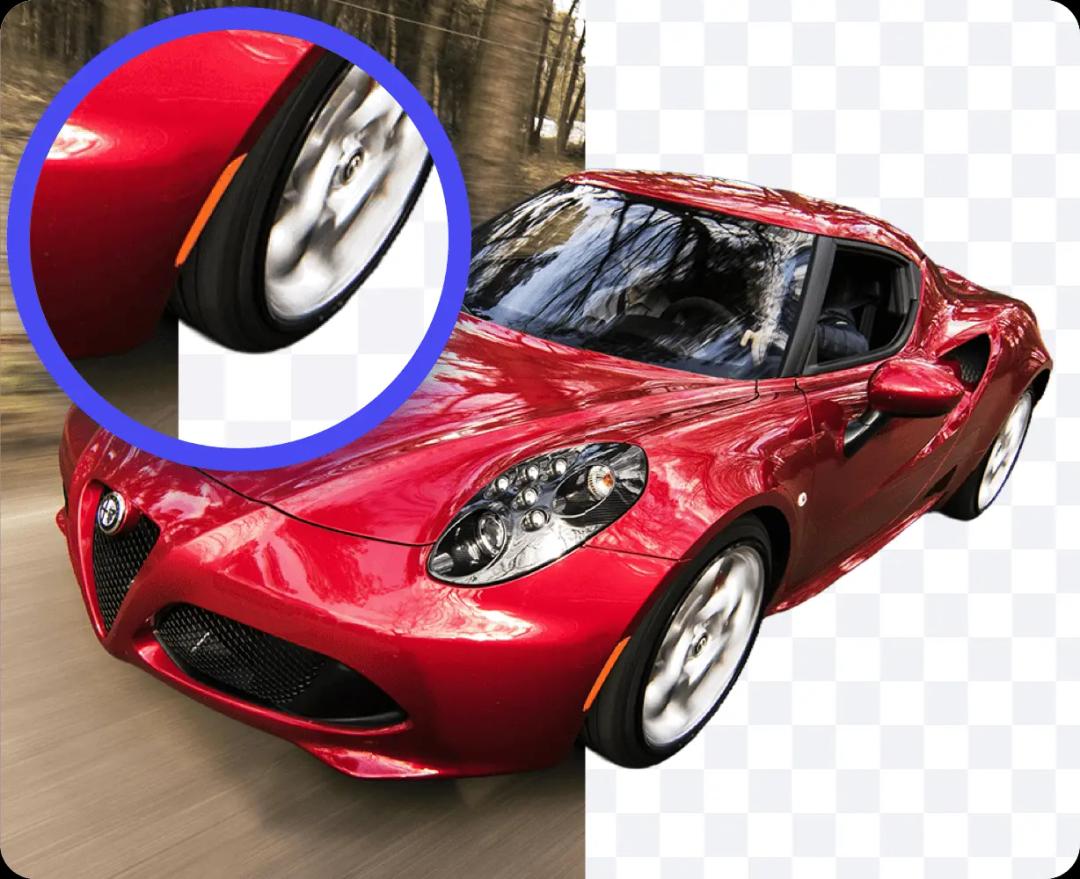
Erase Freely, Cut Perfectly
Not satisfied with the AI's background removal? No worries! Our tool offers you complete control with manual refinement options.
After the AI algorithm does its job, simply select the 'Erase' or 'Restore' option to manually fine-tune the cutout. With this feature, even the most challenging images can achieve a perfect cutout.
Say goodbye to limitations and hello to flawless results!
Remove and edit background on any devices
Our background remover is entirely online, ensuring seamless usage across all devices without the need for installation. Remove and edit photo backgrounds effortlessly, anytime, anywhere!
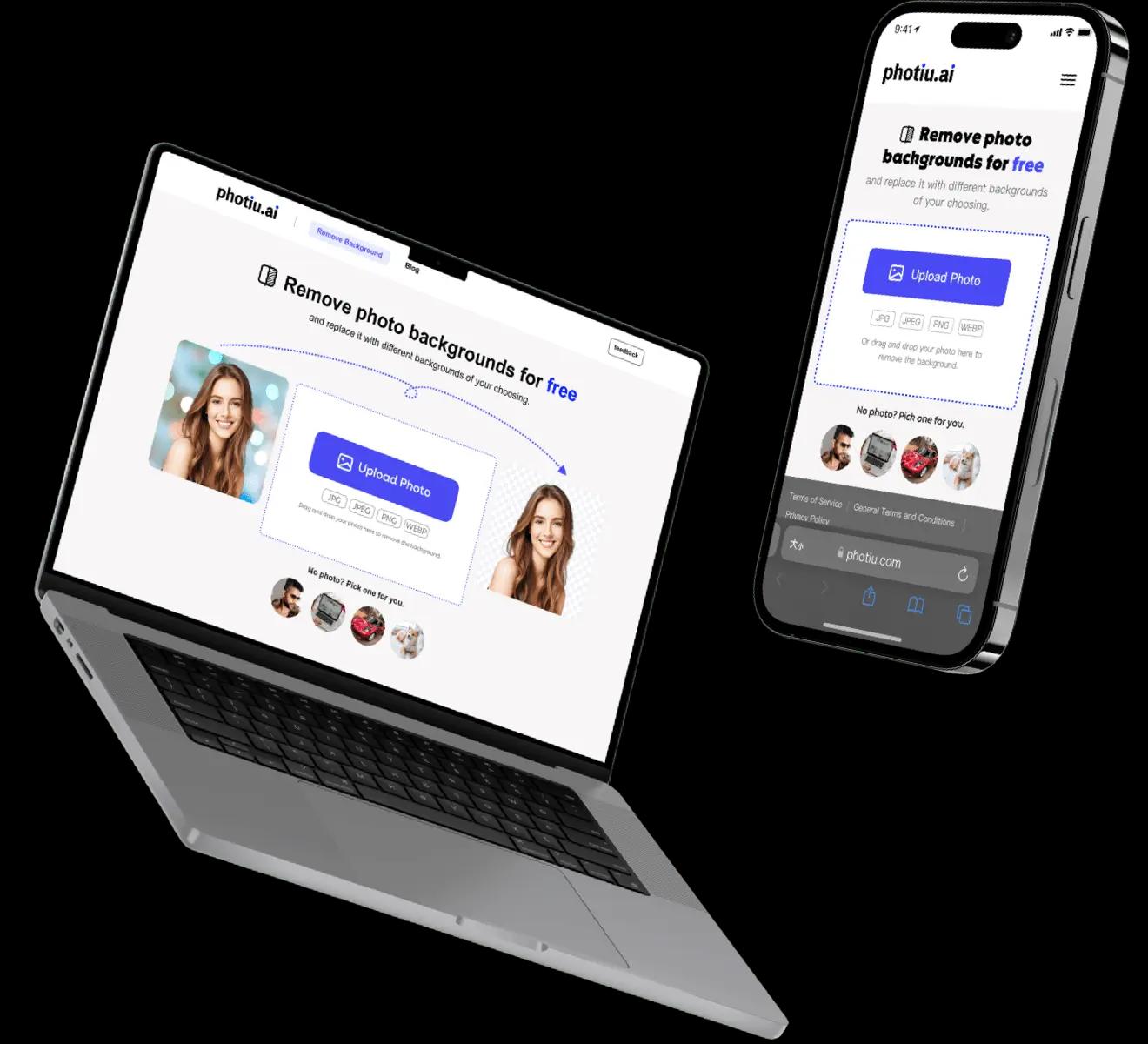
Remove and edit background on any devices
Our background remover is entirely online, ensuring seamless usage across all devices without the need for installation. Remove and edit photo backgrounds effortlessly, anytime, anywhere!
Frequently Asked Questions:
Can Photiu.ai create a transparent background?

Yes! Creating a transparent background is one of our core features. Photiu.ai can quickly and accurately remove the background from your image, leaving you with a transparent background that’s ready for further editing. Additionally, Photiu.ai supports the removal of white backgrounds, giving you more.
Is this a free background remover tool?
Yes, Photiu.ai offers a free service to all users, but with certain limitations. You can upload images and erase backgrounds for free, then save the edited pictures in preview quality. If you need high-definition (HD) resolution images, a small fee is required. For most everyday purposes, the free preview quality is usually sufficient.
How can I change the background of a photo?
With Photiu.ai, changing the background is simple. Select your photo, remove the background, then choose a new background from our library or upload your own. Download the final image in HD quality.
Can I change the background color of my photo or use a custom image as a background?
Yes, after removing the background, you can change the background color of your photo or use a custom image as a new background and download it in HD.
Do I need any technical skills to use Photiu.ai?
Not at all! Photiu.ai is designed to be user-friendly and accessible to everyone. You don’t need any special skills or software. Just upload your photo, and our AI-powered tool will take care of the background removal process for you.
What file formats does Photiu.ai support?
Photiu.ai supports a wide range of file formats, including JPG, JPEG, PNG, and WEBP. This ensures you can upload and process almost any image file without compatibility issues.
Can I replace the removed background with a new one using Photiu.ai?
Yes, after removing the background, Photiu.ai allows you to replace it with a new background. You can choose from our library of background templates or upload your own to create a unique look for your photo.
Why should I use this online background eraser?
Photiu.ai uses advanced algorithms to provide excellent background removal results, often outperforming similar tools on the market. Our platform is user-friendly and perfect for beginners, making it easy to get professional-quality edits.
Can I remove the background from the logo image with this tool?
Yes, but results may vary. Photiu.ai is optimized for images with a central subject and focus. For logo images, further editing with the in-app brush may be necessary to achieve perfect results.